New TestDefaultDebugger Tool
Wednesday, December 6th, 2006It often happens that Citrix support advises customers to change their default postmortem debugger to NTSD. But there is no way to test new settings unless some application crashes again. And some customers come back saying dumps are not saved despite new settings and we don’t know whether dumps were not saved because a crash hadn’t yet happened or default debugger hadn’t been configured properly or something else happened.
In addition the arrival of 64-bit Windows brings another problem: there are 2 default postmortem debuggers on 64-bit Windows (for 32-bit and 64-bit applications respectively):
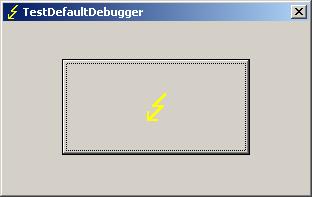
The new tool TestDefaultDebugger forces a crash on itself to test the presence and configuration of default postmortem debugger (Dr. Watson, NTSD or other). Then if the default postmortem debugger is configured properly OS will launch it to save a dump of TestDefaultDebugger.exe process.
If you enabled NTSD as a default postmortem debugger (CTX105888) the following console window will briefly appear:
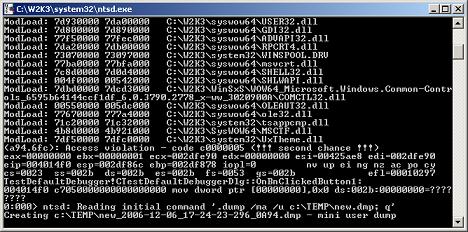
Postmortem debuggers are explained here:
On 64-bit Windows you can run both 32-bit TestDefaultDebugger.exe and 64-bit TestDefaultDebugger64.exe applications and then open crash dumps to see whether both postmortem debuggers have been configured properly. The tool has also command line interface so you can use it remotely:
c:\>TestDefaultDebugger.exe now
You can download the tool from Citrix support web site:
TestDefaultDebugger v1.0 for 32-bit and 64-bit platforms
- Dmitry Vostokov @ DumpAnalysis.org -