Visualizing Memory Dumps
As the first step towards Memory Dump Tomography I created a small program that interprets a memory dump as a picture. You can visualize crash dumps with it. The tool is available for free download:
Simply run it from the command prompt and specify full paths to a dump file and an output BMP file. The memory dump file will be converted by default into true color, 32 bits-per-pixel bitmap. You can specify other values: 8, 16 and 24.
C:\Dump2Picture>Dump2Picture.exe
Dump2Picture version 1.0

Written by Dmitry Vostokov, 2007
Usage: Dump2Picture dumpfile bmpfile [8|16|24|32]
For example:
C:\Dump2Picture>Dump2Picture.exe MEMORY.DMP MEMORY.BMP 8
Dump2Picture version 1.0

Written by Dmitry Vostokov, 2007
MEMORY.BMP

MEMORY.DMP

        1 file(s) copied.
Below are some screenshots of bitmap files created by the tool. Think about them as visualized kernel or user address spaces.
Vista kernel memory dump (8 bits-per-pixel):

Vista kernel memory dump (16 bits-per-pixel):
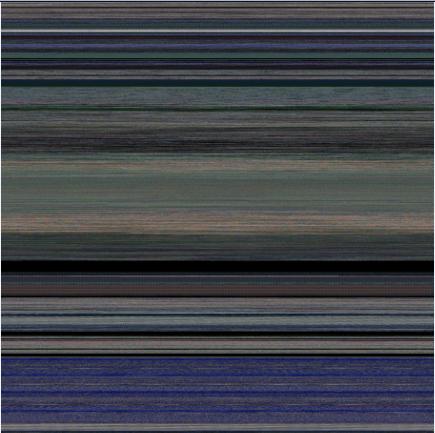
Vista kernel memory dump (24 bits-per-pixel):

Vista kernel memory dump (32 bits-per-pixel):
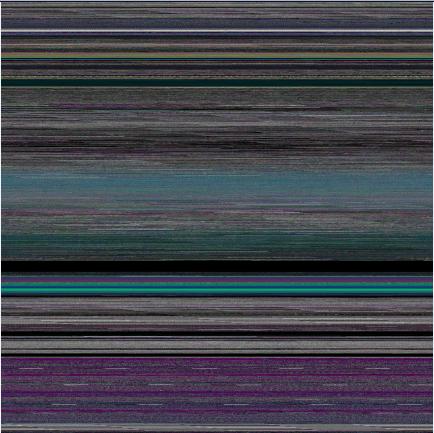
Notepad process user memory dump (8 bits-per-pixel):

Notepad process user memory dump (16 bits-per-pixel):
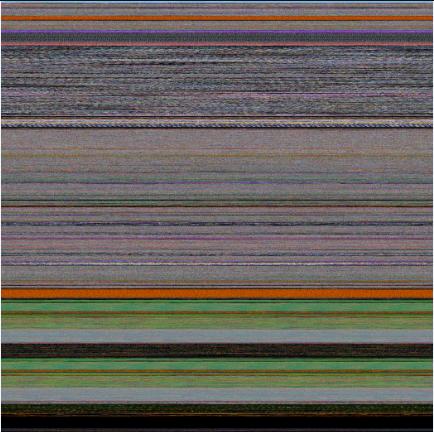
Notepad process user memory dump (24 bits-per-pixel):
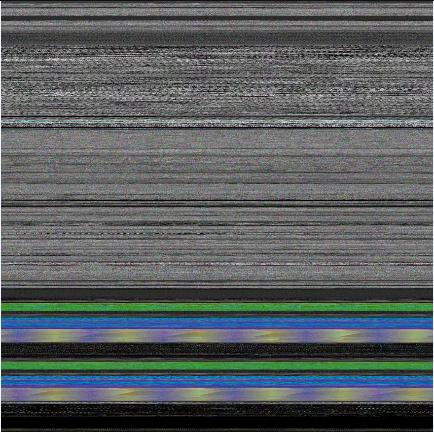
Notepad process user memory dump (32 bits-per-pixel):
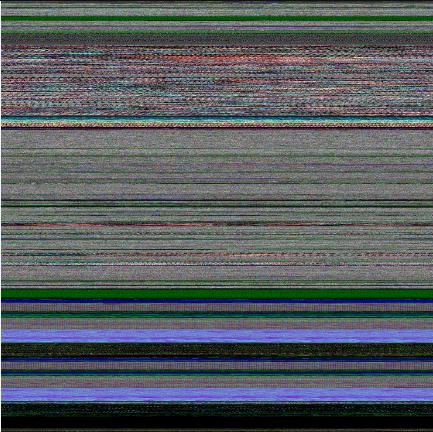
Mspaint process user memory dump (32 bits-per-pixel):
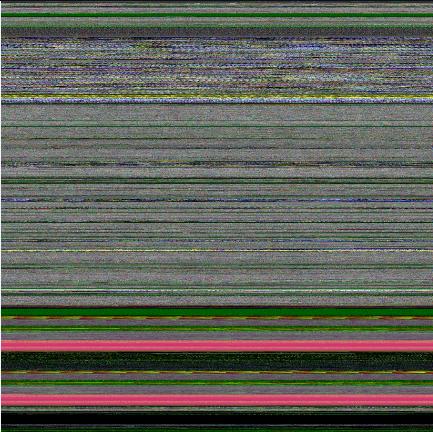
Mspaint process user memory dump after loading “Toco Toucan.jpg” from Vista Sample Pictures folder (32 bits-per-pixel):
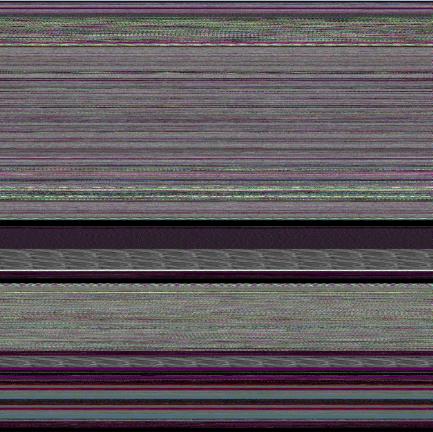
Citrix ICA client process (wfica32.exe) user memory dump (32 bits-per-pixel):
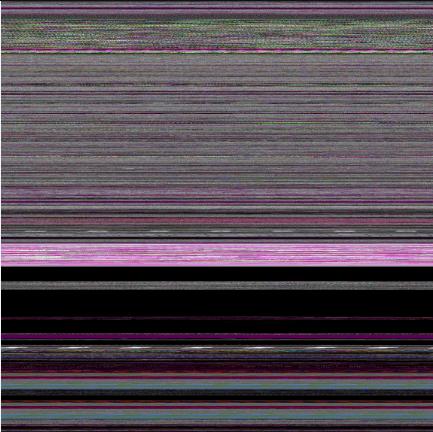
Enjoy 
- Dmitry Vostokov @ DumpAnalysis.org -
August 6th, 2007 at 7:29 am
You are crazy
August 12th, 2007 at 12:12 am
+1 =) May I see source code?
P.S. Cool blog! Has to be bookmarked !
August 12th, 2007 at 1:33 am
The algorithm is very simple: bitmap dimensions are calculated based on specified bits-per-pixel and the number of bytes in a dump. Then a small BMP header file is written with appropriate fields in BITMAPFILEHEADER and BITMAPINFOHEADER. Then I use system call to run copy shell command to append the dump file to that small BMP header file. The resulting file becomes the true BMP file.
The same scheme is implemented for Dump2Wave where WAVEFILEHDR file is created first.
In plain words crash dump bytes are just interpreted as sound or bitmap bytes. I’m planning to release source code soon after I do some code cleaning and release the next version of Dump2Picture where you can specify the optional initial bitmap width. The current version of Dump2Picture creates only squared bitmaps.
Thanks,
Dmitry
August 12th, 2007 at 2:26 am
Thanks. Shall wait source code.:)
August 12th, 2007 at 5:41 pm
[…] Dump2Picture can be used to explore memory leaks visually. I created the following small program in Visual C++ that leaks 64Kb every second: […]
August 13th, 2007 at 10:22 pm
Version 1.1 is available with improvements for 8 bits-per-pixel bitmaps:
http://www.dumpanalysis.org/blog/index.php/2007/08/13/dump2picture-update-version-11/
August 15th, 2007 at 2:27 pm
I also created a script to visualize memory directly from WinDbg:
http://www.dumpanalysis.org/blog/index.php/2007/08/15/picturing-computer-memory/
August 15th, 2007 at 3:50 pm
Security warning:
http://www.dumpanalysis.org/blog/index.php/2007/08/15/memory-visualization-and-security/
January 9th, 2008 at 5:50 pm
Nice tool!
However… running it on a 900MB dump produces a 900MB bmp…
Do you know of any tools to view such a large bmp on a machine with only 2GB RAM? does your tool allow for the generation of JPEGS?
January 10th, 2008 at 12:35 pm
Thanks! I was able to view 1Gb bmp on Windows 2004 x64 server with just 1Gb of memory using standard Windows Picture and Fax Viewer. However it took some time (5-10 minutes or so to load and display) . I think with 2GB it might be a bit faster. If you want to convert to JPEG I’m sure there are plenty of command line tools available. I used ones long time ago in pre-Windows epoch.
January 27th, 2008 at 12:39 am
Hiay, am absolutely knocked by the images you’ve created, let along the way you kinda came across through! brilliant, awesome! Am gonna use them for my Theatre in Fashion Museum of labyrinths of dresses replicated by the audience for my further clothes development inspiration that is gonna be the proposal for performance at my uni’s project.
Hope you dont mind and again -thanks for such quality thinking.
All the best,
Yulia
February 5th, 2008 at 5:11 pm
Source code is available here:
http://www.dumpanalysis.org/blog/index.php/2008/02/05/dump2picture-v11-source-code/
April 12th, 2008 at 8:41 pm
[…] Note that the back cover image is the picture of Windows Vista 1Gb complete memory dump generated by Dump2Picture: […]
April 13th, 2008 at 10:16 am
You do realise that by placing an image of the Windows Vista 1Gb complete memory dump on the back cover of a book both violates copyright and intellectual property rights, as the picture is generated from copyrighted material ?
Instead you may prefer to generate an image dump from some freeware application.
April 13th, 2008 at 5:24 pm
I disagree to the best of my understanding. Otherwise I would have been in trouble since August, 2007. This picture is just the visualized physical memory for illustration purposes only. What about disassembling a function to illustrate a bug? Or dumping memory like a thread structure? Or printing a screenshot from Performance Monitor or Task Manager to illustrate CPU spike? Or a stack trace from a complete memory dump? Does it violate copyright and intellectual property rights because it is generated from copyrighted material? What about the front cover then, showing book spines of hundreds of copyrighted books? If Microsoft asks me to remove the picture, certainly, I’ll do it and reprint the book. And, surely, a memory dump of a freeware program will definitely contain portions of copyrighted material, like ntdll.dll, kernel32.dll or accidental 3rd-party hooks. Regarding a complete memory dump copyrighted material might have been paged out from physical memory and not included in file contents. Do you admit that printing a CRC number violates property rights because it was generated from copyrighted material? Due to the mathematical nature of involved algorithms it is not possible to reconstruct binary code from the printed cover picture which could have been created artificially as well.
I will also put a separate blog post addressing this issue.
Thanks for bringing this to my attention,
Dmitry
April 14th, 2008 at 11:30 am
“What about disassembling a function to illustrate a bug?” If that function is clearly copyrighted, then showing the disassembled code in another product (eg. a book) without copyright consent from the original owner, then yes, I would say it would be infringing copyright. However, things like “dumping memory like a thread structure? Or printing a screenshot from Performance Monitor or Task Manager to illustrate CPU spike?”would not be (but the first could violate the terms of a license agreement).
A CRC number would not violate copyright, as there would be many different ways to arrive at the same value, as can be demonstrated quite easily (the same with many other hashing algorithms, such as MD5).
However, how would get the exact same picture as the one on the back of your book without attaching the dump to a BMP file header?
The front cover is not showing copyrighted material, only book titles. However, if you copied the inside of those books into a buffer, and then appended that buffer to a BMP header to convert it into a picture, it would certainly then be in breach of copyright, wouldn’t you say?
April 14th, 2008 at 12:14 pm
Using my CRC example, there are many ways (different code and data) to get the same picture because it was first preprocessed and reduced from 16128×16128 to 2167×3254 format and further processed by JPEG algorithm. How would I get exactly the same picture form a different code and data? Exactly the same way I can generate the same CRC! Regarding the disassembly DMCA applies only to copyright protection systems like DRM and in EU we have Directive on the Legal Protection of Computer Programs that overrides license agreements in case of interoperability which memory dump analysis and visualization is all about.
April 14th, 2008 at 12:19 pm
Regarding this procedure “you copied the inside of those books into a buffer, and then appended that buffer to a BMP header to convert it into a picture” I would say that we have a different interpretation of the data if the original data is not possible to reconstruct or if there is ambiguity in original data reconstruction, like in CRC case. Also we will never get the same picture from different memory dumps even from the same system because memory contents and layout change with every CPU tick.
April 14th, 2008 at 2:03 pm
I actually found that a user dump of one of my applications is much better and vivid picture to illustrate. So I’ll replace the picture in the final book. To sleep better
April 15th, 2008 at 11:05 am
April 16th, 2008 at 5:43 pm
[…] Dump2Picture image is this (0×00000000 address is at the […]
April 20th, 2008 at 10:26 am
my laptop memory dumps.It shows “Vista Kernel Memory Dump:32-bit per pixel”. How can I correct it?
April 20th, 2008 at 4:22 pm
Specify different bits per pixel value in Dump2Picture parameters. Hope this helps
August 12th, 2008 at 8:16 pm
[…] Back cover features visualized virtual process memory generated from a memory dump of colometric computer memory dating sample using Dump2Picture. […]
December 14th, 2008 at 1:09 pm
[…] 1 and Volume 2 have numerous articles related to computer memory visualization techniques using Dump2Picture and Microsoft debugger […]
January 26th, 2009 at 12:56 pm
[…] quadrimemorillion of them in the absence of symbol files and suitable memory dump reader. Perhaps memory visualization techniques provide a direction to solving extraterrestrial problems too. This SETI association […]
May 7th, 2009 at 12:36 pm
[…] computational operations into audible artifacts. Computational threads are fiber bundled with native memory visualization techniques to create audio and visual images of powerful memory topoi. This opens the new era […]
October 20th, 2009 at 1:06 pm
[…] as a pixel. The printing company initially rejected the interior of my DLL Art book containing pictures from process memory dumps because they thought that the art images were corrupt in PDF file I submitted. They accepted the […]
February 27th, 2010 at 2:49 am
[…] file can be visualized by any data visualization package or transformed to a bitmap file using Dump2Picture to see distribution of filtered […]
April 19th, 2010 at 10:55 am
[…] Note: it features a fragment from a B/W image generated by Dump2Picture. […]
April 19th, 2010 at 2:14 pm
[…] Twitter page for DumpAnalysis now has the background picture of a memory dump generated by Dump2Picture: […]
April 29th, 2010 at 1:28 pm
[…] Dump2Picture (Windows) […]
July 18th, 2010 at 2:36 pm
[…] it can. Here’s the Dump2Picture image of a kernel memory dump (3 GB) from a 128 GB […]
August 11th, 2010 at 8:12 pm
[…] to physical memory mapping on systems with paging like Windows. Here is another approach that uses natural memory visualization technique. An image of a user process was generated and juxtaposed to an image of kernel memory […]
September 1st, 2010 at 3:03 pm
[…] The image above was scaled by ImageMagic from a bitmap generated by Dump2Picture: […]
December 11th, 2011 at 7:25 am
Is it just me or are the images produced upside down?
December 11th, 2011 at 1:24 pm
Yes, they are upside down