Advanced Memory Visualization (Part 1)
In this part we see how we can load memory dumps into ParaView data analysis and visualization system. First we need to download the latest version from here. If we have a memory dump we need first to calculate its dimensions and for a square we can use this simple formula: (int)sqrt(file_size/4). For example, the dump file I use here has the size of 1,746,853 bytes, therefore we have 660×660.
1. Launch ParaView:
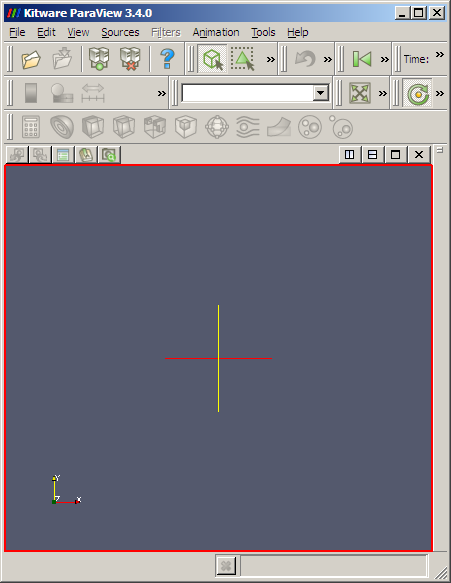
2. Go to File \ Open and select All Files (*.*) and choose your .dmp file. The following dialog appears:
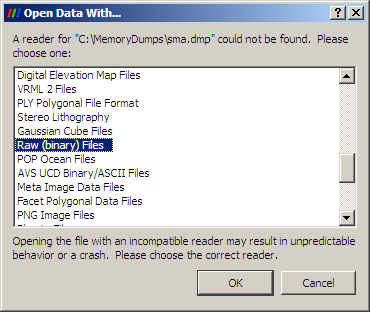
Choose Raw (binary) Files option.
3. If nothing changes on the screen go to View menu and select Object Inspector. The following panel should appear:
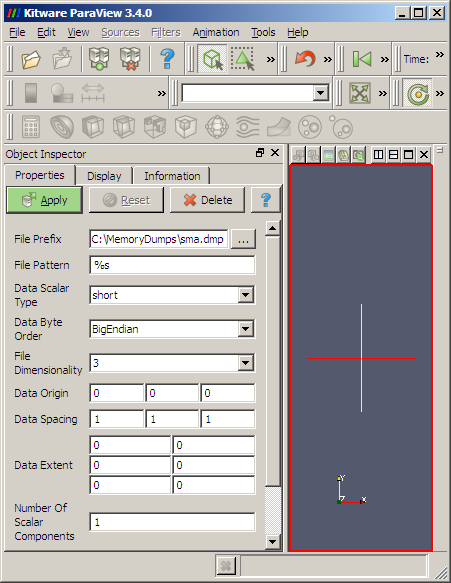
4. Here we should carefully specify parameters for our dump file:
Data Scalar Type: unsigned long
File Dimensionality: 2
Data Extent:
0 659
0 659
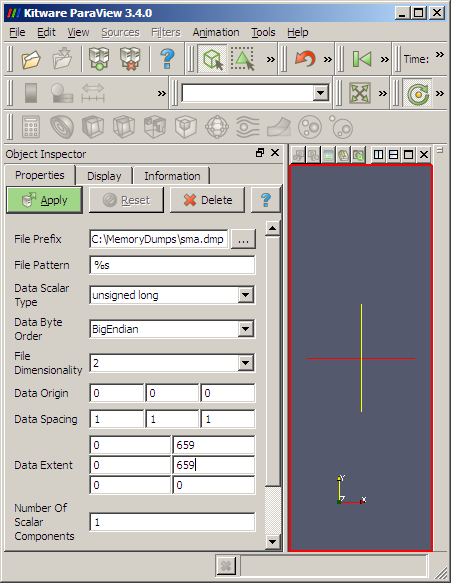
5. We then Apply and get the dump loaded:
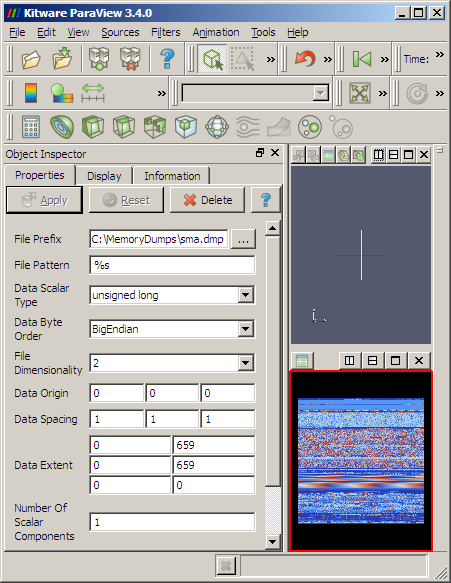
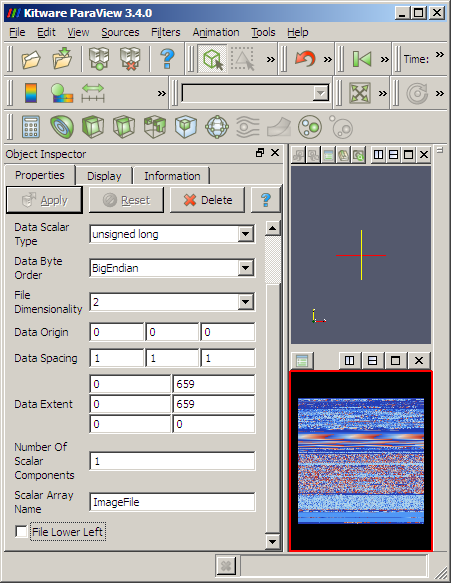
6. We might want to uncheck File Lower Left at the bottom of the Object Inspector properties to get lower memory addresses start from the left-top corner of the image:
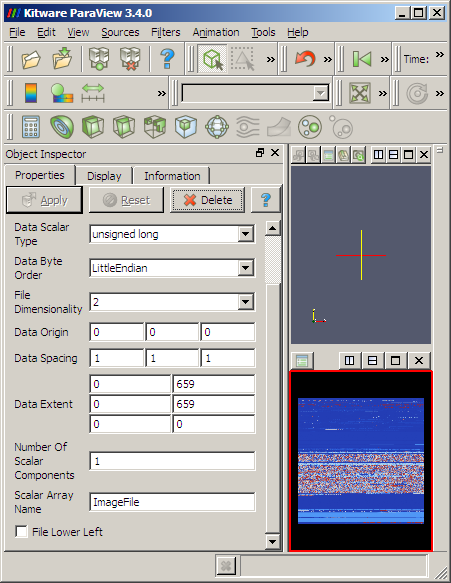
7. Also Data Byte Order LittleEndian obviously changes the color of RGB triplets or RGBA quadruplets but the large scale structure remains the same:
8. We can select View \ Show Color Legend to see how unsigned long values from the dump file are mapped continuously to colors:
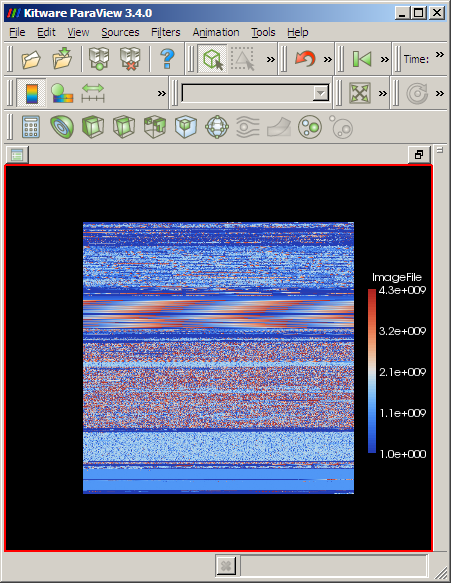
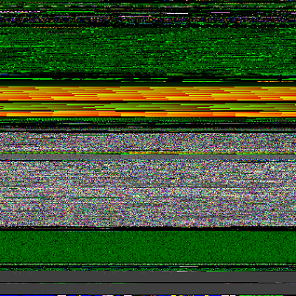
I prefer to choose BigEndian because we get similar layout as we get from ImageMagick RGBA conversion or from Dump2Picture:

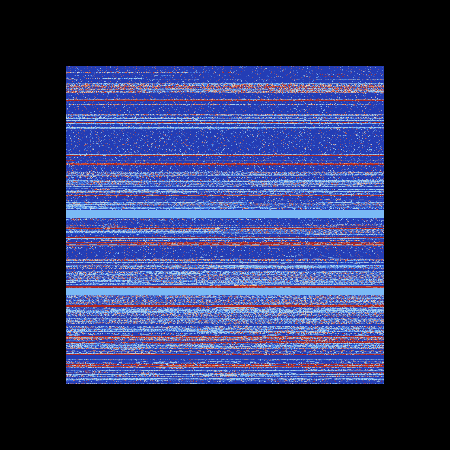
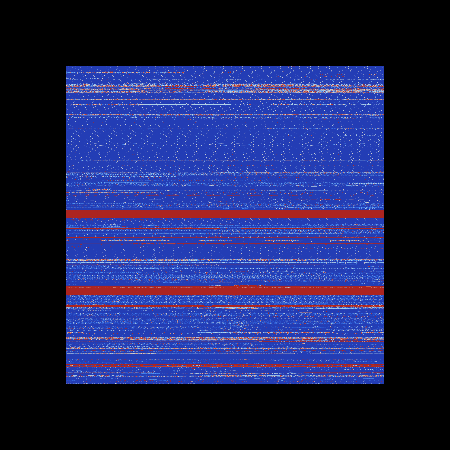
9. ParaView can even load large dumps, for example, this is a screenshot of 1.5Gb dump in big endian and little endian byte orderings respectively:
- Dmitry Vostokov @ DumpAnalysis.org -
July 14th, 2009 at 7:45 pm
[…] Crash Dump Analysis » Blog Archive » Advanced Memory Visualization (Part 1) […]
July 19th, 2009 at 2:48 pm
[…] I realized this morning that in addition to folding of a linear memory space into a 2D image in ParaView, the so called DLL List Landscape, we can also do a 3D folding too. I used the same dump file but […]
April 29th, 2010 at 1:38 pm
[…] 2D and 3D visualization using general-purpose tools like ParaView. […]