Notepad Debugging :-)
Have you heard about the new method of visual notepad debugging? You don’t even need a debugger, just a notepad. If not, here’s a recipe:
1. Open a buggy application executable file or a DLL file you suspect in notepad.exe
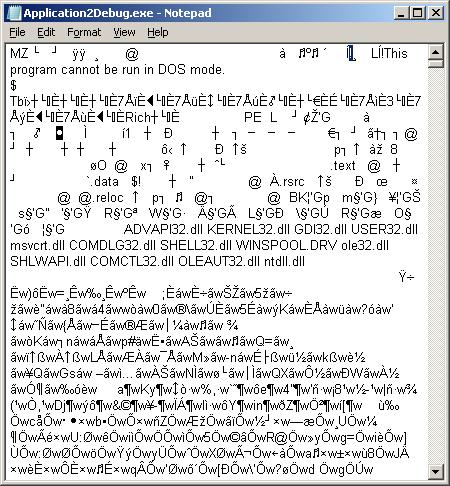
2. Change the font to Webdings
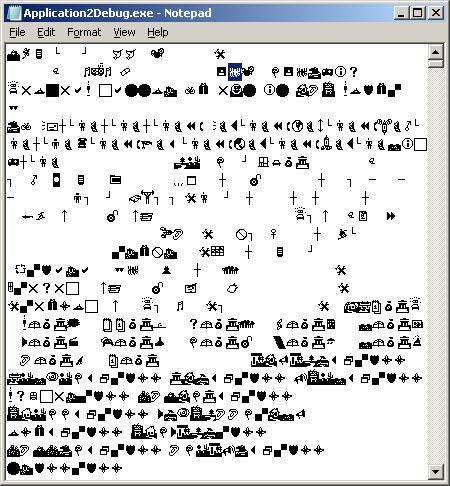
3. Search for a bang: ‘!’ (a bug in Webdings font)
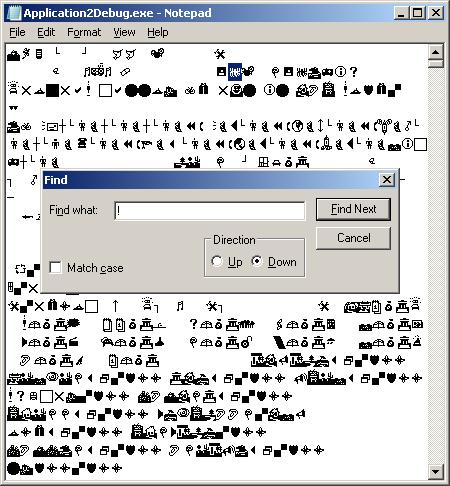
4. Remove the bug and repeat the search
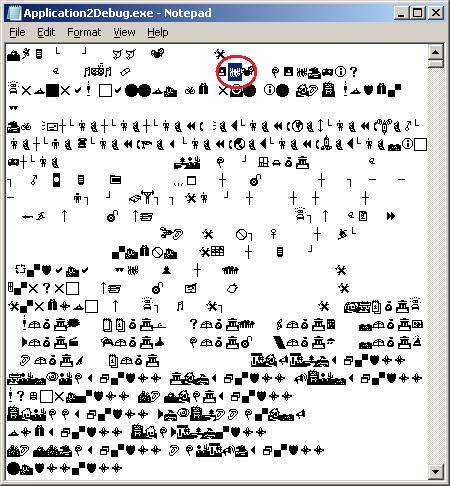
5. Remove that bug too
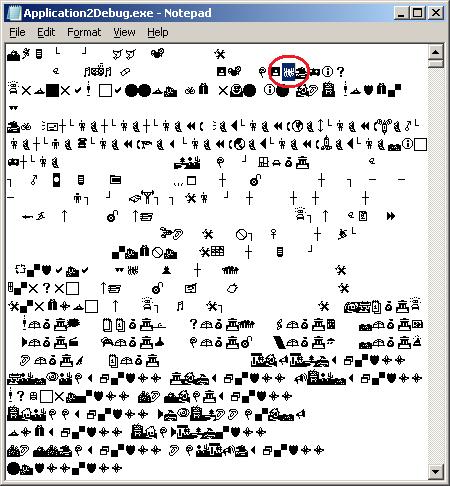
6. Find another bug and remove it too
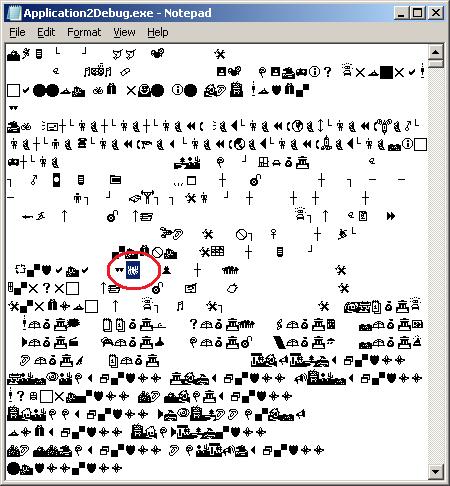
7. You might consider “Replace All” if there are too many bugs in your application
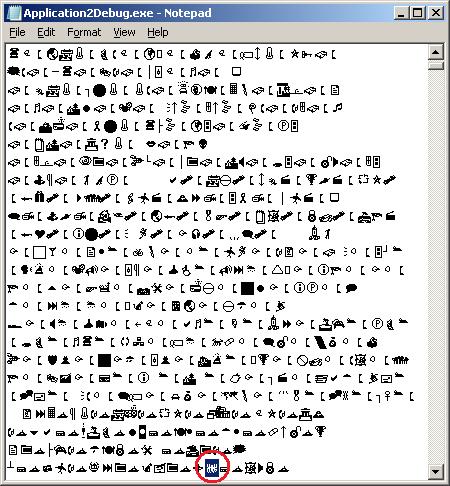
8. Save the debugged file
9. Run it - if it crashes do a postmortem analysis - may be you overfixed your bugs. Or you might see a transmutation, in my case the 32-bit Win32 Application2Debug.exe became an MS-DOS application silently terminating after the launch:
0:000> kL

ChildEBP RetAddr

011ef874 76e45500 ntdll!KiFastSystemCallRet

011ef878 76e1b518 ntdll!ZwTerminateProcess+0xc

011ef888 76be41ec ntdll!RtlExitUserProcess+0x7a

011ef89c 0e75c85f kernel32!ExitProcess+0x12

011ef8a4 0e79b07f ntvdm!host_terminate+0x23

011ef8b0 0e781db6 ntvdm!terminate+0x78

011efbfc 0e78094b ntvdm!cmdGetNextCmd+0x294

011efc04 0e769d94 ntvdm!CmdDispatch+0xf

011efc10 0e771882 ntvdm!MS_bop_4+0x2f

011efc14 0e77278a ntvdm!EventVdmBop+0x29

011efc2c 0e73510b ntvdm!cpu_simulate+0x17a

011efc38 0e735086 ntvdm!host_main+0x5f

011efc74 0e7352bd ntvdm!main+0x3a

011efd54 76bed0e9 ntvdm!host_main+0x211

011efd60 76e219bb kernel32!BaseThreadInitThunk+0xe

011efda0 76e2198e ntdll!__RtlUserThreadStart+0x23

011efdb8 00000000 ntdll!_RtlUserThreadStart+0x1b
- Dmitry Vostokov @ DumpAnalysis.org + TraceAnalysis.org -
July 15th, 2010 at 8:23 am
That was funny!
July 15th, 2010 at 9:13 am
Ha, excellent. I will start using this method straight away!